OTA vs Server-Driven UI in React Native: When to Push Code, When to Push Configuration
What Is OTA for React Native?
Over-the-air (OTA) updates let you ship new JavaScript (and other bundle assets) straight to users’ devices without going through the App Store / Play Store review queue. Under the hood the app contains a tiny bootstrap binary that, on launch, checks a remote service for a newer JS bundle and swaps to it the next time the user opens the app. Popular implementations (see section 5) reuse the standard React Native update() life-cycle, so your existing RN code can load, retrieve, and apply an update with only a handful of lines.
Key idea: the server only delivers static assets that have already been compiled; no UI interpretation happens at runtime.
What Is Server-Driven UI (SDUI)?
In Server-Driven UI the server does not just deliver a compiled bundle— it describes the UI (layout, components, data bindings, navigation rules) in a JSON-like schema. A light-weight renderer inside the client interprets that schema on every launch:
- UI building blocks – buttons, lists, etc.
- Tokens & Values – colour, spacing, typography.
- Spatial arrangement – how blocks are composed.
- Logic – actions + rules evaluated at runtime.
Because the server can return different JSON per user, SDUI unlocks real-time experimentation (A/B tests), personalisation, and even completely new screens without shipping new code.
Advantages at a Glance
| Criterion | OTA | SDUI |
|---|---|---|
| Shipping speed | Minutes (after CI build) | Seconds (config change) |
| Store review needed | No (JS / assets only) | No (UI + logic) |
| Offline support | Full | Partial (initial fetch) |
| Experimentation | Feature-flags + new bundle | Built-in via JSON |
| Main complexity | CI/CD & signing | Backend & schema |
Where Each Approach Shines
When OTA is ideal
- Bug-fixing JavaScript or assets quickly after release
- Hot-patching security issues without waiting on stores
- Maintaining complex animations or business logic that would be painful to express declaratively in JSON
- Apps that must work offline (e.g. field-work, travel) where the entire bundle should be cached
When SDUI is superior
- Content-heavy apps (news, e-commerce, promos) that change daily
- Dynamic onboarding or paywalls driven by growth/marketing teams
- Large surface-area apps that run many A/B tests simultaneously
- Platforms that target multiple front-ends (Web, iOS, Android) but want one central UI definition and design-system tokens
Hybrid architectures are common: core screens delivered by OTA, marketing surfaces by SDUI.
Frameworks for Implementing OTA
| Framework | Highlights |
|---|---|
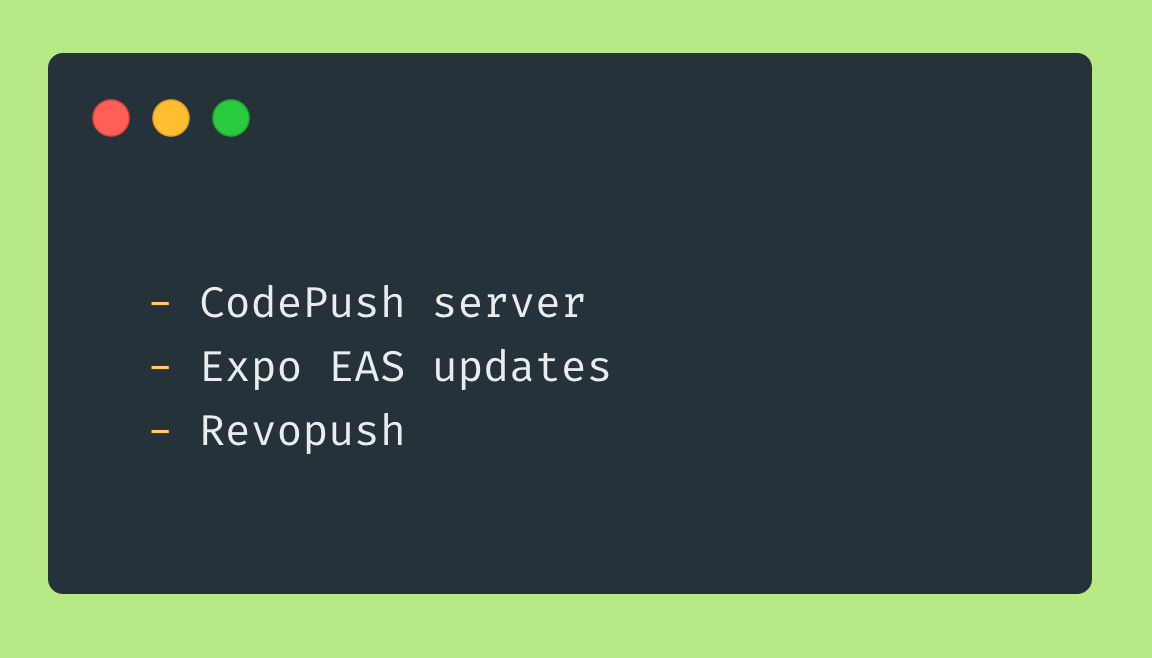
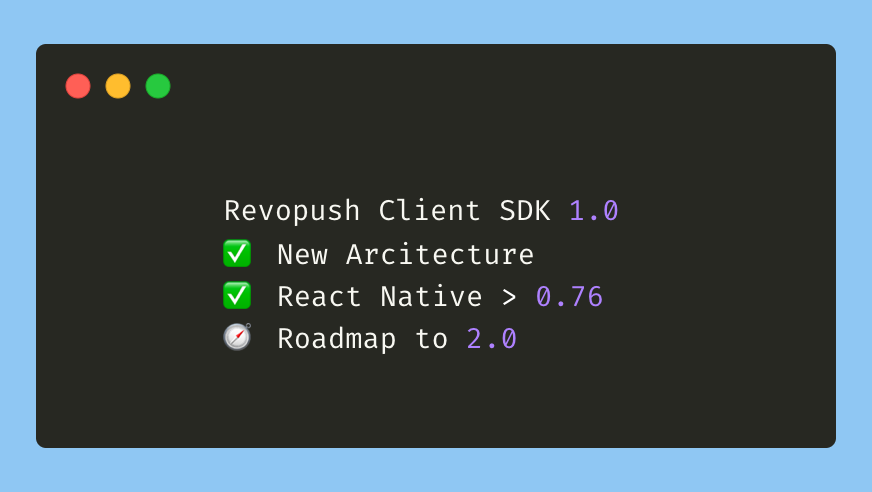
| Revopush | Cloud alternative to CodePush • New Architecture ready • CDN delivery • Modern admin UI • CI/CD integrations |
| Expo Updates | Drop-in expo-updates library • EAS channels for staged roll-outs • Works in bare or managed workflow |
Frameworks for Server-Driven UI
| Framework | Tech Notes |
|---|---|
| Rise Tools | Open-source kit & playground for RN SDUI |
| NativeBlocks | Visual builder + runtime, feature-flagging built-in |
| Ensemble UI | Instant pushes, A/B tests, open-source runtime |
| Skip ( SkipUI ) | SwiftUI-compatible layer that runs on Android |
Decision Matrix
| Scenario | Recommended Approach |
|---|---|
| Hourly-changing promo screen | SDUI |
| Critical crash in checkout JS | OTA hot-patch |
| Marketing paywall copy test | SDUI (or OTA + remote config) |
| App must start in airplane mode | OTA (pre-downloaded) |
| Team lacks backend resources | OTA |
| Need pixel-perfect parity across web, iOS, Android | SDUI with shared renderer |
Conclusions
OTA updates are unbeatable for fast, safe delivery of JavaScript fixes and incremental features. Server-Driven UI unlocks real-time personalisation and content iteration but shifts complexity to the backend. Most teams combine both: OTA for core logic, SDUI for high-churn surfaces. Choose the technique that minimises time-to-user for each part of your app — and don’t hesitate to run them in parallel.
If you’re looking for a future-proof React Native OTA platform, Revopush offers CodePush-compatible SDKs, CDN-accelerated delivery, and deep CI/CD integrations, helping you ship with confidence.